


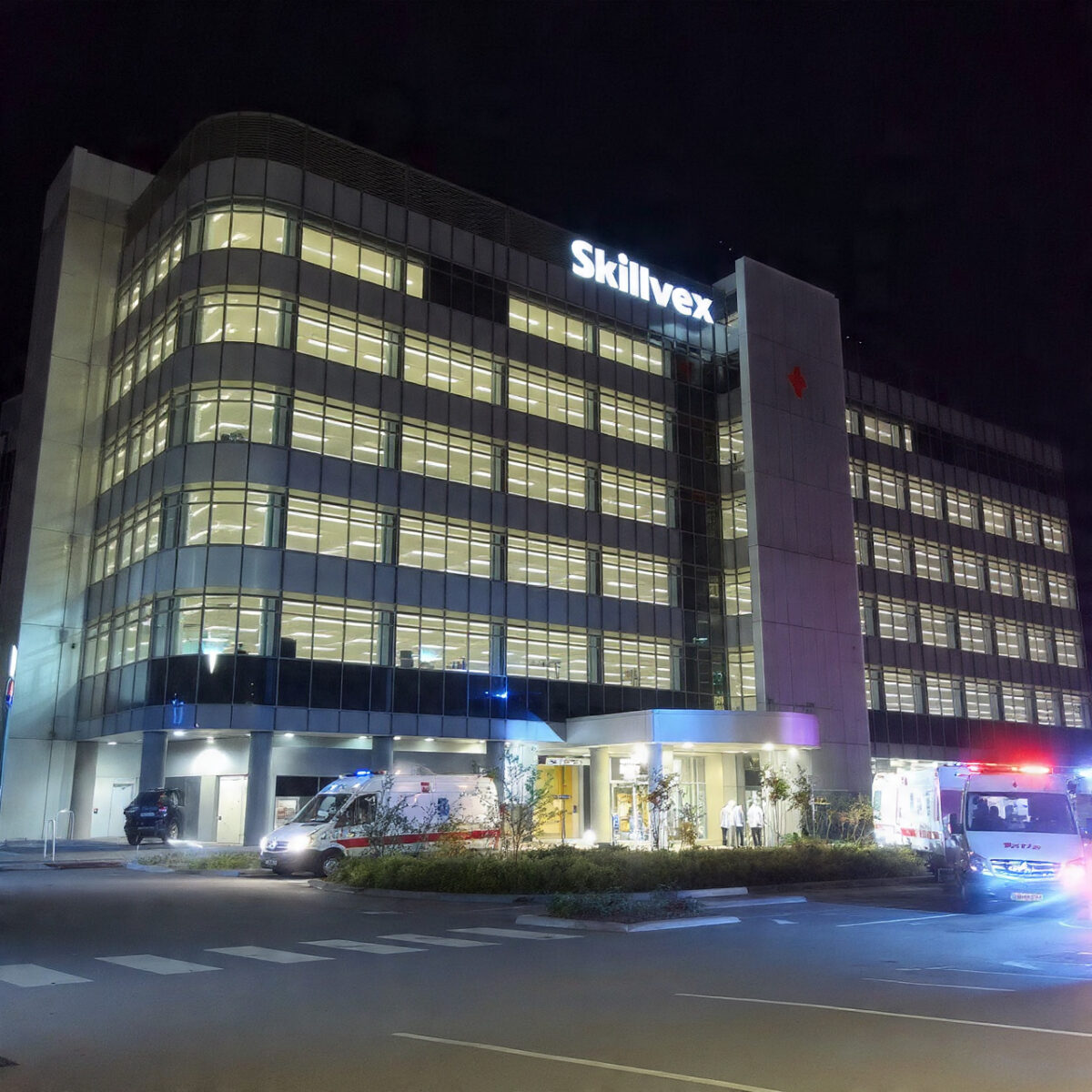


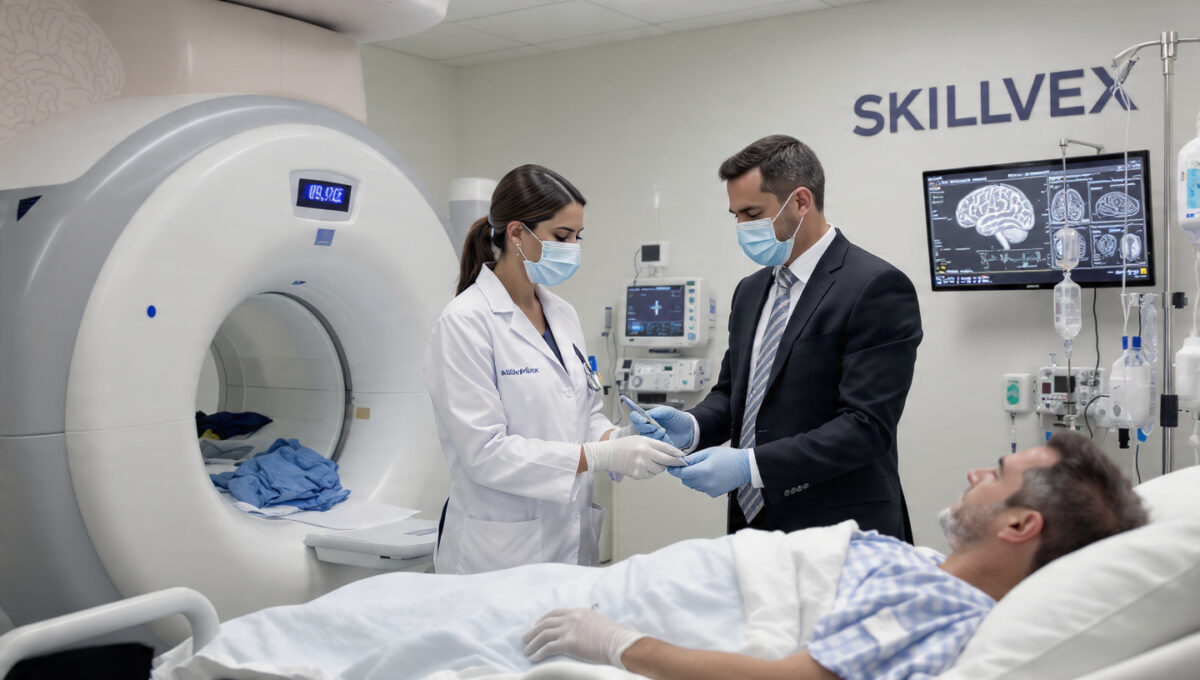
Ayushman – Comprehensive Healthcare on Skillvex
- Multi-Specialty Medical Care: Complete inpatient and outpatient services across General Medicine, Surgery, Pediatrics, Gynecology, and Orthopedics under one roof.
- 24/7 Emergency & Trauma Services: Fully equipped emergency department with rapid response teams, ventilator support, and round-the-clock ambulance availability.
- Advanced In-House Diagnostics: State-of-the-art pathology lab, digital X-ray, ultrasound, ECG, and CT scan facilities for quick and accurate test results.
- Maternity & Newborn Care: Safe normal and C-section deliveries, comprehensive antenatal/postnatal care, and neonatal intensive care for mother and baby.
Features
Pricing



Video
Location
Calendar view
FAQ
How do I create an account on Skillvex?
It is very simple. Visit Skillvex.com and click on the “Sign In” button. Then, navigate to the Registration tab and select the option that suits your needs—either “Guest” or “Owner.” Enter your details, including your mobile number, and then enter the 4-digit OTP you receive. Your account will be created instantly. Click for more information (Blog Internal Link)
How do I book a service on Skillvex?
First, search for the service you need or choose a category. Then, visit a vendor’s profile, click “Book Now,” select your preferred date and time, and confirm. It’s that simple!
How can I cancel or reschedule my booking?
Each vendor has their own cancellation and reschedule policy, which you can see while booking. Usually, you can make changes in the “My Bookings” section of your dashboard or chat directly with the vendor You can cancel your booking.
Similar Listings

Add Review


Booking Summary
Select Date & Time
Choose your preferred date and time for the booking.
Extra Services 0
Your Information
Please provide your contact details to complete the booking.


Leave a Reply